Introduction to Plugins (Legacy)
This section covers plugin development using the old frontend system. For new development, please refer to the new frontend system and new backend system documentation. The content here is kept for reference and for maintaining existing plugins that have not yet been migrated.
Backstage orchestrates a cohesive single-page application by seamlessly integrating various plugins.
Our vision for the plugin ecosystem champions flexibility, empowering you to incorporate a broad spectrum of infrastructure and software development tools into Backstage as plugins. Adherence to stringent design guidelines guarantees a consistent and intuitive user experience across the entire plugin landscape.
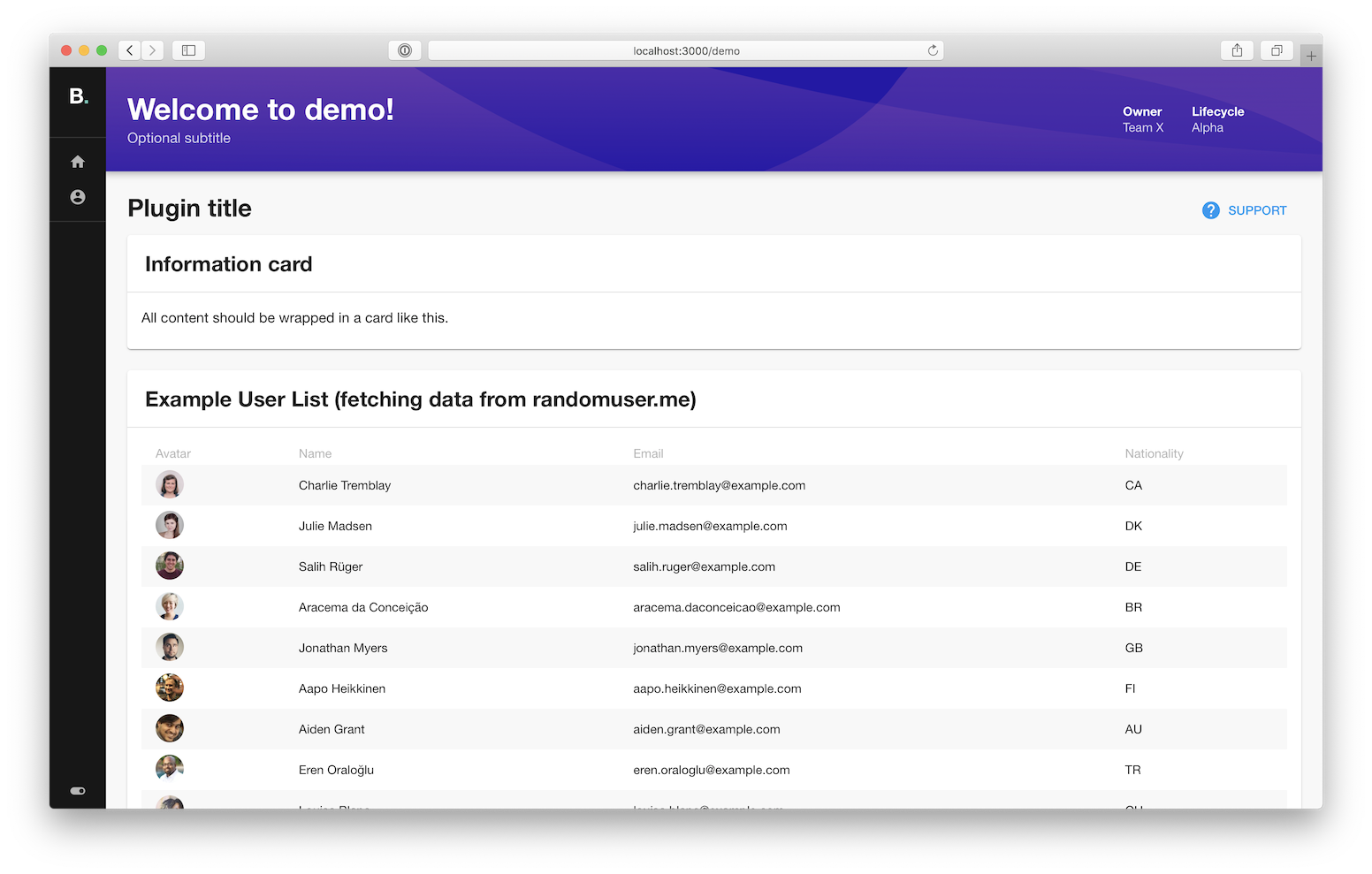
Creating a Plugin
Embark on your plugin development journey by following the detailed steps provided in the Create a Plugin documentation.
Suggesting a Plugin
If you're developing an open-source plugin, we encourage you to create a new issue in the community plugins repository. This informs the community about upcoming plugins and invites collaboration and feedback.
This approach is equally beneficial if you conceive an idea for a potentially impactful plugin but prefer if another contributor undertakes its development.
Integration with the Software Catalog
Should your plugin complement the Software Catalog rather than exist as a standalone feature (for instance, as an additional tab or a card within an "Overview" tab), you'll find comprehensive guidance on achieving this integration in the Integrating Plugin into Software Catalog guide.
Existing Plugins
There are a plethora of existing community made plugins which can be found by going to the Backstage Plugin Directory
You can read more about it in this blog post: The Plugin Directory is now open