002 - Local development
Your Backstage app is fully installed and ready to be run! Now that the installation is complete, you can go to the application directory and start the app using the yarn start command. The yarn start command will run both the frontend and backend as separate processes (named [0] and [1]) in the same window.
cd my-backstage-app # your app name
yarn start

Here again, there's a small wait for the frontend to start up. Once the frontend is built, your browser window should automatically open.
When you see the message [0] webpack compiled successfully, you can navigate directly to http://localhost:3000 to see your Backstage app.
Once its spun up, you should see something similar to the below.
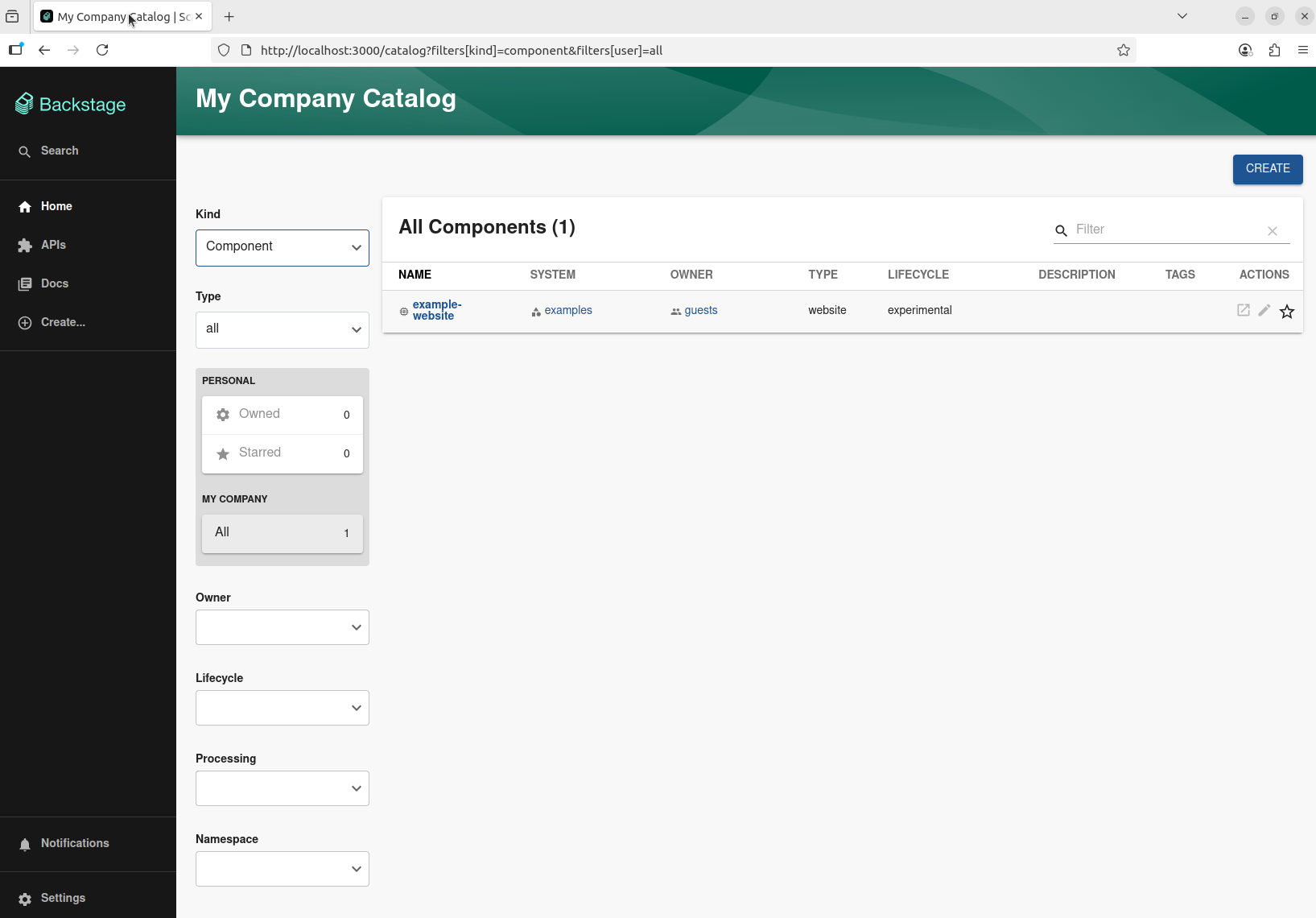
Architecture of local development
This section only touches on local development, we'll walk through what a Golden Path production architecture looks like in the deployment Golden Path.
Now that you have that running, let's talk through what you just set up. You have 2 commands running as part of yarn start - the website that is stored at packages/app and the backend stored at packages/backend.
The website listens on port 3000 by default. It's a React app with some extra flavor to provide strong plugin-friendly defaults. For local development, we use rspack for fast compilation and near-instant feedback.
The backend listens on port 7007 by default. It is a NodeJS app that has among other things an HTTP server through express and talks to a database.
Locally, we use sqlite for the database. This is a fast in-memory database that is perfect for local development. Because of its ephemeral nature, you shouldn't rely on the database to keep data across yarn starts. We do however, maintain the database across hot reloads.
Speaking of hot reloads, these are supported for both the frontend and backend.
In the frontend, whenever you save a file used by your React app, after a slight delay, you should see a message like
Rspack compiled successfully
In the backend, you should see a
Change detected, restarting the development server...
followed by init logs from your server.