Viewing what you own
Audience: All
You can own entities either directly or through a group that you're part of.
To view the entities that you own:
- Select
Homein the sidebar. - Select
Userin theKinddropdown list. - Select your username in the
All Userslist.
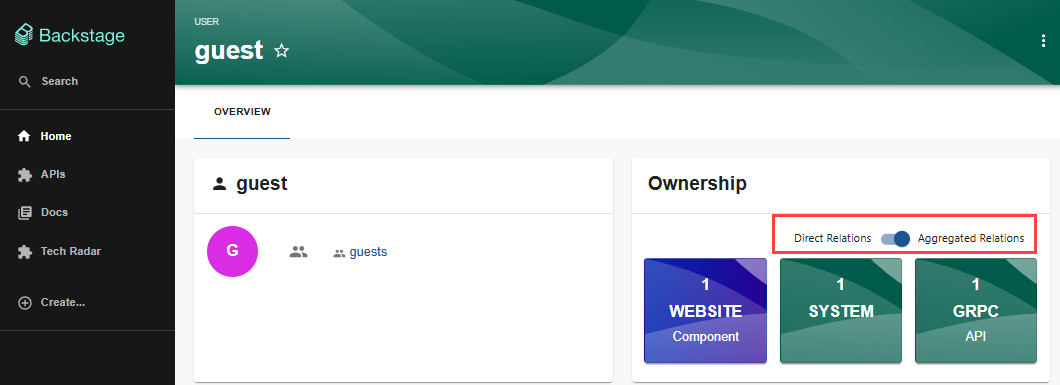
A page is displayed that shows the entities of which you have ownership, either directly, or through a group of which you are a member. You can toggle between showing:
Direct Relations- entities that you directly ownAggregated Relations- entities that you own through your group