Unprocessed Entities
The Unprocessed Entities plugin provides an interface to view and inspect entities that fail processing or remain in a pending state during catalog ingestion.
An unprocessed entity is an entity that does not appear in the catalog. The plugin distinguishes between two entity states:
- Failed: The entity has validation or parsing errors that prevent processing.
- Pending: The entity is queued or discovered but has not yet finished processing.
Features
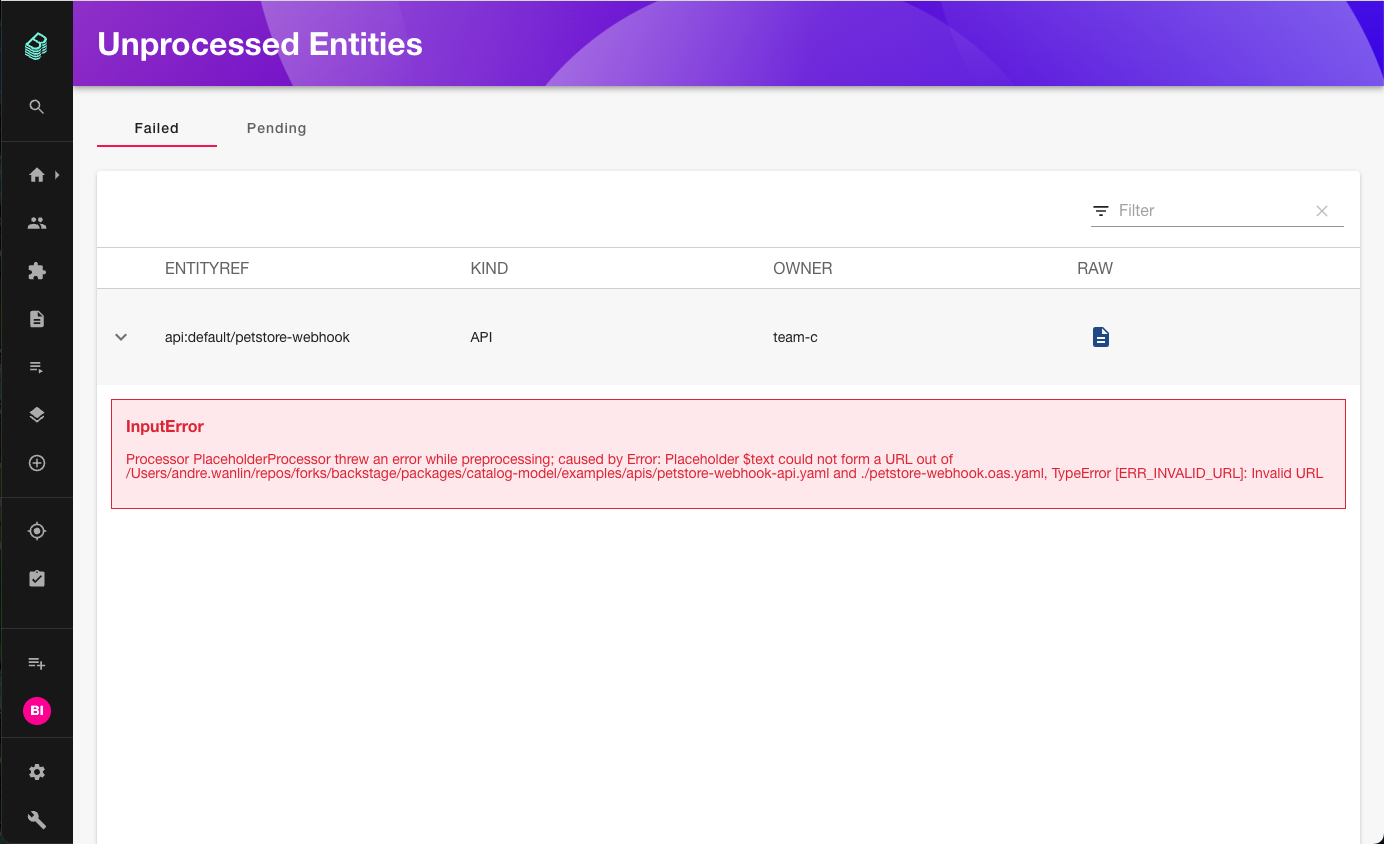
Failed entities
You can view entities that failed processing, along with error messages and error details:
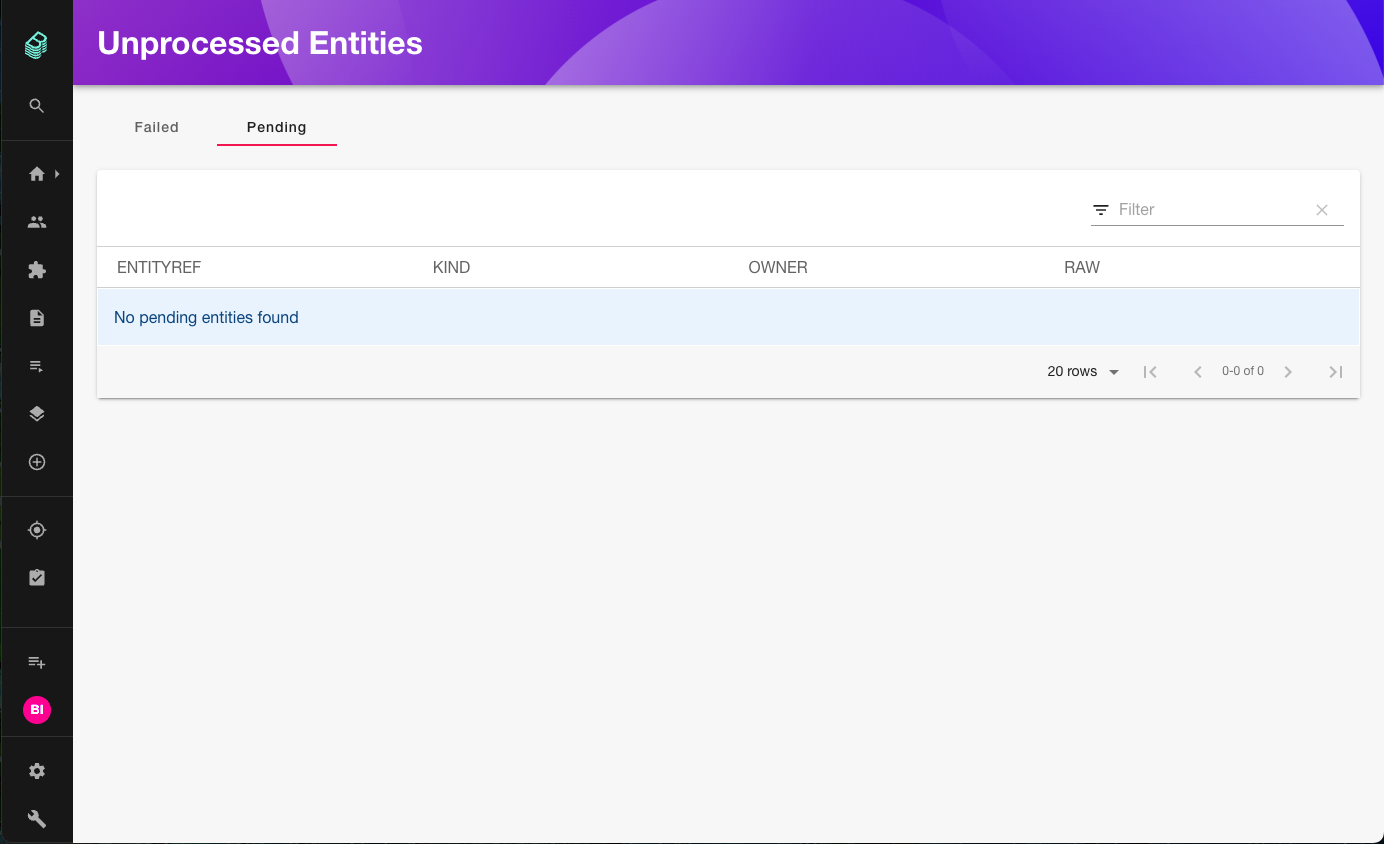
Pending entities
You can view entities that are currently pending:
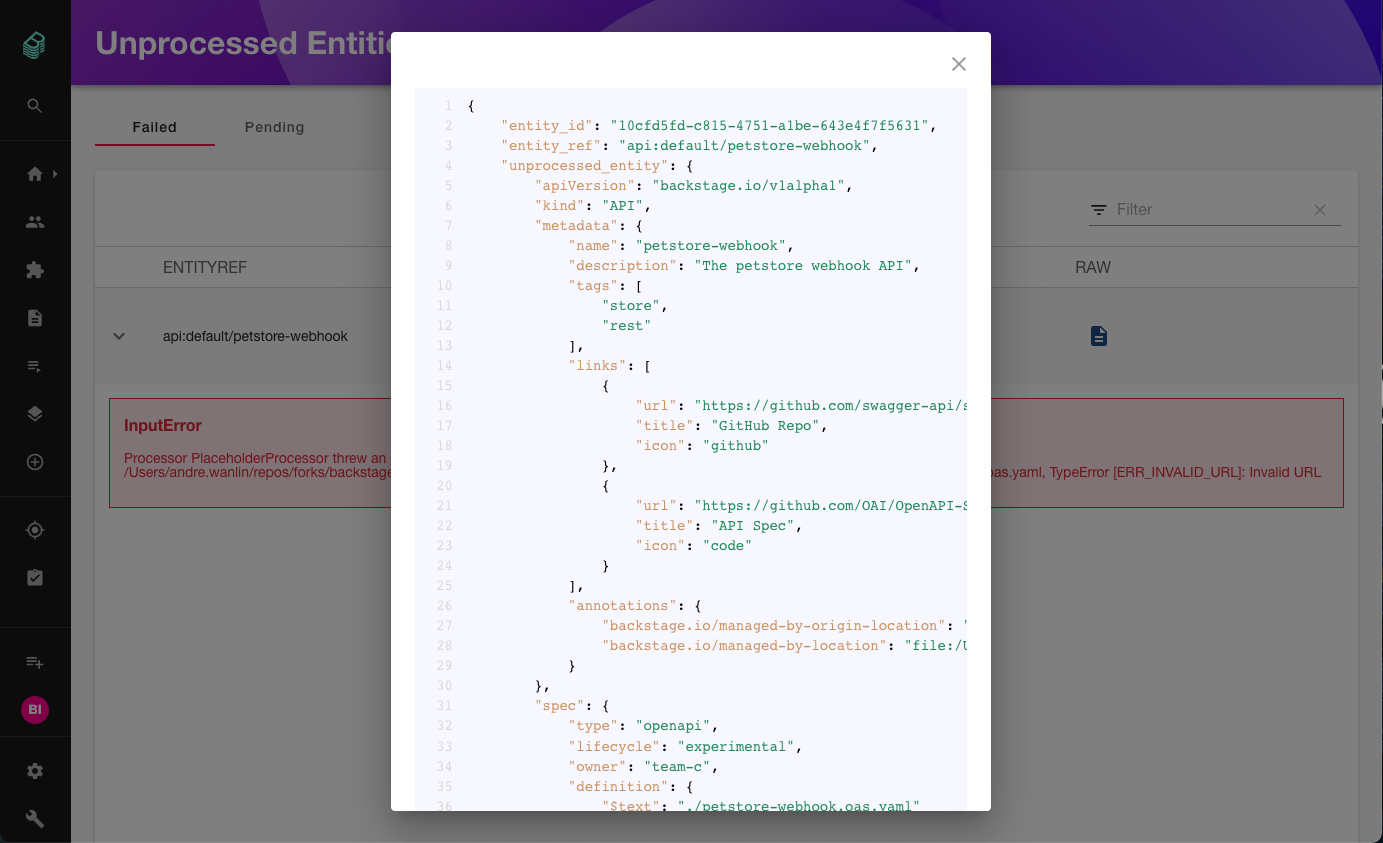
Raw view
In either the failed or pending tab, you can inspect the raw entity definition as JSON:
Requirements
The frontend plugin requires the @backstage/plugin-catalog-backend-module-unprocessed module to be installed in your backend.
Installation
1. Install backend module
Install the backend module:
yarn --cwd packages/backend add @backstage/plugin-catalog-backend-module-unprocessed
Add the module to your backend in packages/backend/src/index.ts:
backend.add(import('@backstage/plugin-catalog-backend-module-unprocessed'));
2. Install frontend plugin
Install the frontend plugin:
yarn --cwd packages/app add @backstage/plugin-catalog-unprocessed-entities
The standalone page is disabled by default. To enable the route, add the extension to your app-config.yaml:
app:
  extensions:
    - page:catalog-unprocessed-entities
If the DevTools plugin is installed, unprocessed entities are also available as a tab in DevTools without additional configuration.
Legacy frontend system
If your app uses the legacy frontend system, register the route manually in packages/app/src/App.tsx:
import { CatalogUnprocessedEntitiesPage } from '@backstage/plugin-catalog-unprocessed-entities';

// In your AppRoutes or FlatRoutes:
<Route
  path="/catalog-unprocessed-entities"
  element={<CatalogUnprocessedEntitiesPage />}
/>;
Customization
If you need to query unprocessed entities outside the provided page, use the catalogUnprocessedEntitiesApiRef:
import { catalogUnprocessedEntitiesApiRef } from '@backstage/plugin-catalog-unprocessed-entities';
import { useApi } from '@backstage/core-plugin-api';

const catalogUnprocessedEntitiesApi = useApi(catalogUnprocessedEntitiesApiRef);
If you use the API without rendering CatalogUnprocessedEntitiesPage in the React tree, export the plugin from packages/app/src/plugins.ts to ensure the API factory is registered:
export { catalogUnprocessedEntitiesPlugin } from '@backstage/plugin-catalog-unprocessed-entities';